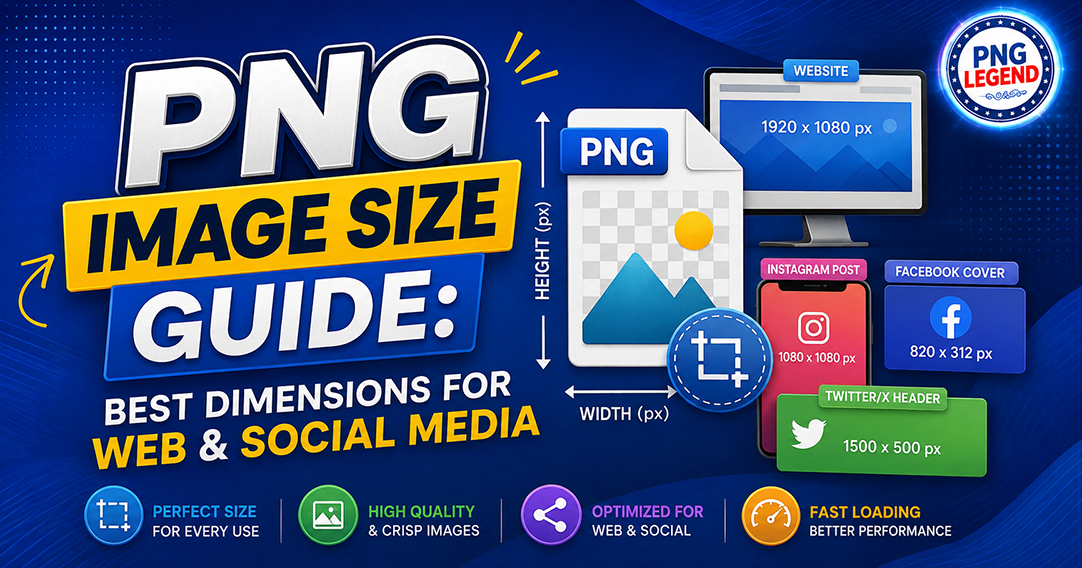
Choosing the right image size can make a surprisingly big difference to how your graphics look online. A PNG that looks perfectly sharp on your computer may appear blurry on social media, while an oversized PNG can slow down a website.
So, what is the best PNG image size?
The answer depends on where you plan to use it.
Whether you are a graphic designer, website owner, content creator, marketer, or small business owner, this PNG image size guide will help you choose the right dimensions for websites and popular social media platforms.
What Is the Best PNG Image Size?
There is no single “perfect” PNG size for every situation. The ideal dimensions depend on the purpose of the image.
For example, a small transparent logo might only need to be 500 × 500 pixels, while a social media post may require 1080 × 1080 pixels or more.
Here are some commonly useful PNG dimensions:
| Use | Recommended PNG Dimensions |
|---|---|
| Website logo | 500 × 500 px |
| Website icon | 256 × 256 px |
| Blog graphics | 1200 × 630 px |
| Instagram post | 1080 × 1080 px |
| Instagram portrait | 1080 × 1350 px |
| Instagram Story | 1080 × 1920 px |
| Facebook post | 1200 × 630 px |
| Facebook cover | 1640 × 856 px |
| YouTube thumbnail | 1280 × 720 px |
| LinkedIn post | 1200 × 627 px |
| Pinterest Pin | 1000 × 1500 px |
These dimensions are useful starting points, but always check the platform’s latest specifications before publishing important campaign graphics.
Why PNG Dimensions Matter
PNG files are popular because they support transparency and can preserve excellent image quality. They are particularly useful for logos, icons, illustrations, stickers, decorative elements, and other graphics that need a transparent background.
However, bigger does not always mean better.
Imagine downloading a simple decorative PNG that is 5000 × 5000 pixels when you only need it at 500 × 500 pixels. The graphic may look excellent, but the unnecessarily large file can consume more storage and take longer to load.
For websites, this matters because page speed affects user experience. For social media, incorrect dimensions can result in cropping, compression, or an awkward-looking layout.
The goal is simple:
Use enough pixels for the job without creating unnecessary file size.
Best PNG Size for Websites
Website graphics need a balance between quality and performance.
For a logo, around 300–500 pixels wide is often sufficient for many websites, although providing a higher-resolution source can be useful for responsive and high-density displays.
For blog featured images, 1200 × 630 pixels is a practical choice because it works well with many content layouts and social sharing formats.
For website icons and small decorative graphics, 256 × 256 pixels or smaller may be enough.
One important point: dimensions and file size are not the same thing.
A 1200 × 630 PNG can be several megabytes depending on its content. Another image with exactly the same dimensions could be much smaller.
Before uploading PNGs to your website:
- Remove unnecessary metadata.
- Compress the image where appropriate.
- Resize images that are much larger than their display size.
- Keep transparency when it is actually needed.
- Use descriptive filenames and alt text.
- Avoid uploading huge PNGs simply because they are available.
For photographic images, JPEG or modern formats such as WebP and AVIF may often be more efficient than PNG. PNG is usually a better choice when you need transparency, sharp graphics, or lossless quality.
Best PNG Dimensions for Instagram
Instagram is one of the most popular destinations for graphic designers and content creators.
For a square Instagram post, 1080 × 1080 pixels is a reliable choice.
For portrait posts, 1080 × 1350 pixels gives you more vertical space and can occupy more of the user’s screen while scrolling.
For Instagram Stories and similar vertical content, 1080 × 1920 pixels is commonly used.
If your design contains text, logos, or important visual elements, avoid placing them too close to the edges. Social platforms can crop or display content differently depending on the device.
Best PNG Dimensions for Facebook
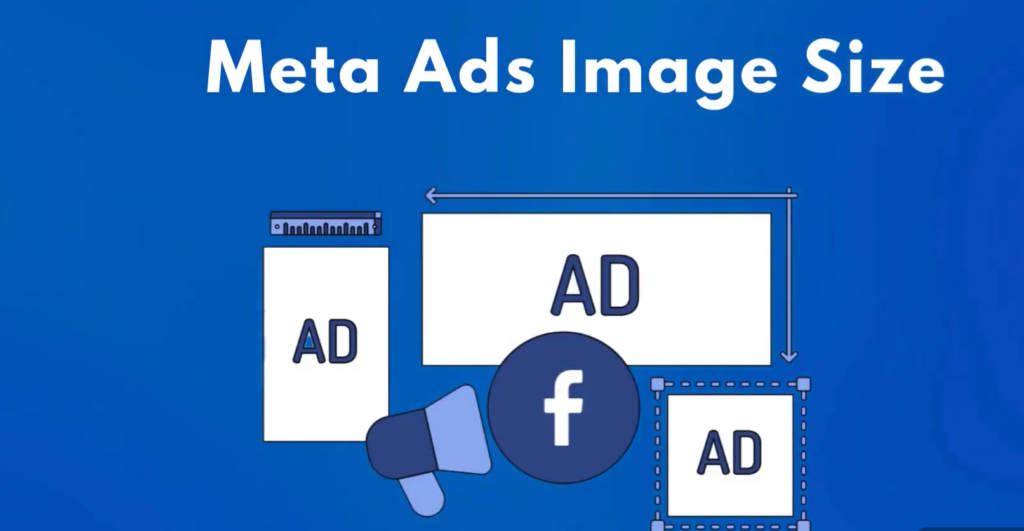
For Facebook posts, 1200 × 630 pixels is a useful landscape format, particularly for link previews and promotional graphics.
Square graphics such as 1080 × 1080 pixels can also work well for posts.
For cover graphics, use a larger canvas designed specifically for the cover area rather than simply stretching a regular post.
When creating Facebook graphics for businesses, focus on readability. Many users view Facebook content on mobile devices, so tiny text that looks fine on a desktop monitor may become difficult to read.
Best PNG Size for YouTube
If you are creating graphics for YouTube, 1280 × 720 pixels is the standard starting point for thumbnails.
Although thumbnails are usually saved as JPEG, PNG can be useful when your design contains sharp text, logos, illustrations, or transparency during the design process.
Remember that the thumbnail will often appear relatively small. Strong contrast, large text, and a clear focal point are usually more important than adding lots of tiny details.
Best PNG Dimensions for LinkedIn
For LinkedIn posts, a graphic around 1200 × 627 pixels works well for landscape content.
If you are creating professional graphics for LinkedIn, keep the design clean and easy to scan.
This is particularly important for audiences in the US, UK, Canada, and Singapore, where business and professional content is often consumed quickly on mobile devices.
Use a clear headline, strong branding, and enough empty space around important information.
Should You Use High-Resolution PNGs?
Yes—but only when there is a reason.
High-resolution PNGs are useful when you need to:
- Edit the image later
- Print the design
- Create multiple smaller versions
- Support high-density displays
- Maintain maximum quality during editing
However, uploading a huge master file directly to a website is rarely necessary.
A good workflow is to keep the original high-resolution design file separately and export an optimized version specifically for its final destination.
PNG Dimensions vs PNG File Size
This is one of the most common sources of confusion.
Dimensions describe the number of pixels in an image.
For example:
1000 × 1000 pixels = 1,000,000 pixels
File size describes how much storage the file uses, such as 200 KB, 1 MB, or 5 MB.
Two PNG files with identical dimensions can have dramatically different file sizes.
Transparent images, detailed illustrations, gradients, and complex graphics can all affect compression.
If you are downloading PNG resources for your design projects, choose dimensions based on how you intend to use the graphic rather than automatically selecting the largest available file.
How to Choose the Right PNG Size
A simple way to decide is to ask three questions:
1. Where will I use the image?
A website, Instagram post, YouTube thumbnail, and presentation may all require different dimensions.
2. Will the image be displayed large?
If yes, start with larger dimensions. If it will remain a small icon, there is no need for thousands of pixels.
3. Do I need transparency?
If the answer is yes, PNG can be an excellent format. If transparency is unnecessary and the image is photographic, another format may offer better compression. For more information, read my article “How to Compress PNG Images Without Losing Quality or Transparency?”
Final Thoughts
The best PNG image size is not necessarily the biggest one. It is the size that gives you the right combination of sharpness, quality, transparency, and performance.
For designers, the easiest approach is to create a high-quality original and then export optimized versions for each platform.
And if you regularly work with transparent graphics, having access to properly prepared PNG resources can save a considerable amount of design time. You can explore different transparent PNG resources and design elements on PNGLegend to find graphics that fit your next project.
Whether you are designing a website for a business in the US, creating social media content for a Canadian brand, preparing professional graphics for LinkedIn in the UK, or producing digital marketing materials for an audience in Singapore, choosing the right image dimensions is a small step that can make your designs look considerably more professional.
Frequently Asked Questions
What is the best PNG size for a website?
There is no universal size. A website logo may work well around 300–500 pixels wide, while a blog graphic may use around 1200 × 630 pixels. Always consider the image’s actual display size.
What is the best PNG size for Instagram?
For a square Instagram post, 1080 × 1080 pixels is a common choice. For portrait posts, 1080 × 1350 pixels is commonly used, while vertical Stories typically use 1080 × 1920 pixels.
Is a larger PNG always better?
No. A larger PNG can provide more detail, but it can also create unnecessary file size and slow down a website. Choose dimensions based on the final use.
What PNG size should I use for a logo?
A 500 × 500 pixel transparent PNG is a useful general-purpose starting point for many logos. However, the ideal export depends on how large the logo will actually appear.
Are PNG files good for websites?
Yes, especially for logos, icons, illustrations, and graphics requiring transparency. For photographs and some other images, more compressed formats may be better.
How can I reduce PNG file size?
You can reduce PNG file size by resizing the image to appropriate dimensions, removing unnecessary metadata, and using a reliable image compression tool.
Should PNG images have transparent backgrounds?
Use transparency when the graphic needs to blend naturally with different backgrounds. Logos, icons, stickers, clipart, and decorative design elements are common examples.
What is the difference between PNG dimensions and file size?
Dimensions refer to the image’s pixel width and height, such as 1000 × 1000 pixels. File size refers to the amount of storage the PNG uses, such as 500 KB or 2 MB.
Can I use the same PNG size for every social media platform?
It is better to create platform-specific versions. Instagram, Facebook, YouTube, LinkedIn, and other platforms use different layouts and recommended dimensions.
Where can I find transparent PNG images?
You can find transparent PNG graphics, design elements, clipart, and other resources on PNG resource websites such as PNGLegend, depending on the type of graphic you need.
2 Responses
Superb Article, Great Work!
thank you